
Features
How does Onira work?
Onira brings the whole flow into one app, from recording a dream to seeing which symbols keep returning.
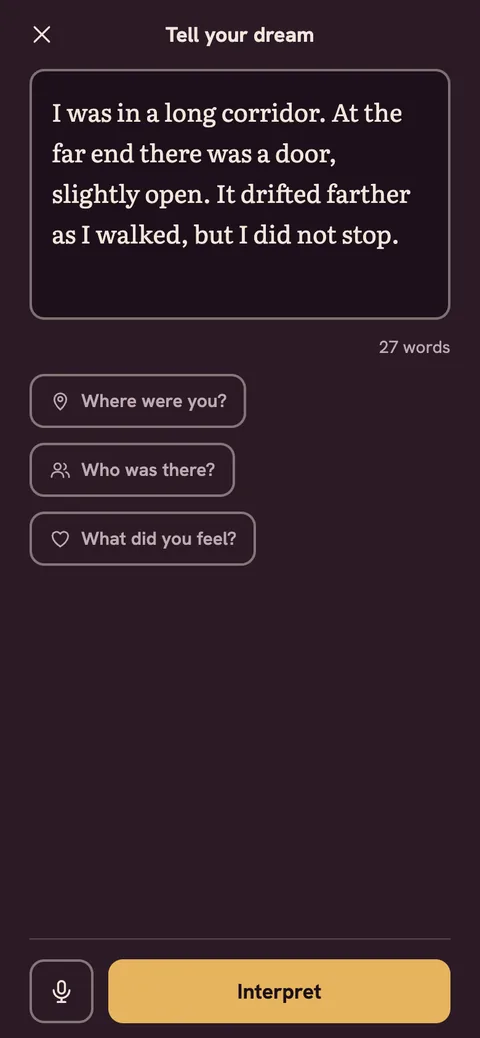
Tell
Tell is the step where you type your dream or record it by voice. Say as much as you remember right after waking. Your voice is turned into text, you fix the text and save it; the recording itself is not stored.
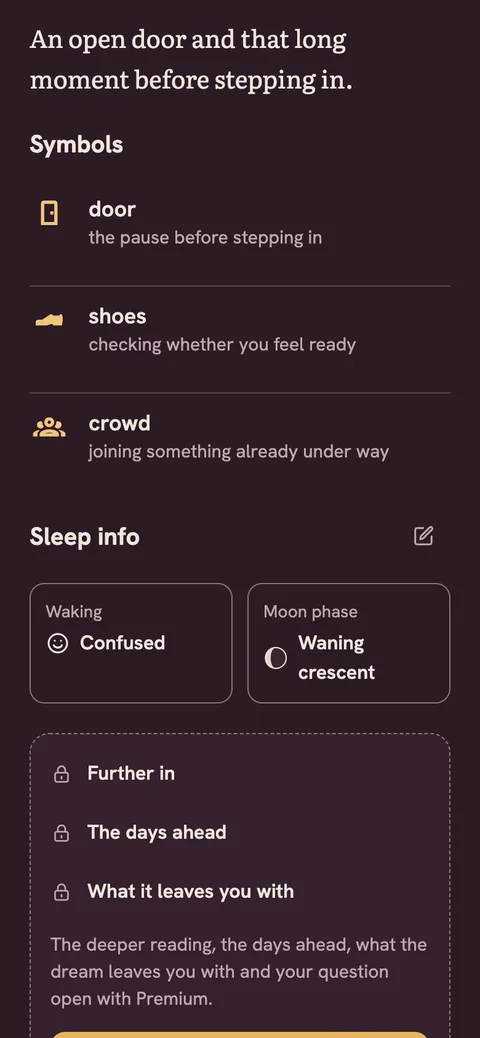
Reflection and Go deeper
The reflection offers a psychology-informed view of the feeling and themes in your dream. You see your feeling first, then the heart of the dream, then its map. It comes from your own words and what you have been living through lately, not from a dictionary.
Go deeper means tapping one of the ready questions at the end of the reflection to look at the same dream again through that question. It is not a chat: each question gives a single extra reading of a paragraph or two.
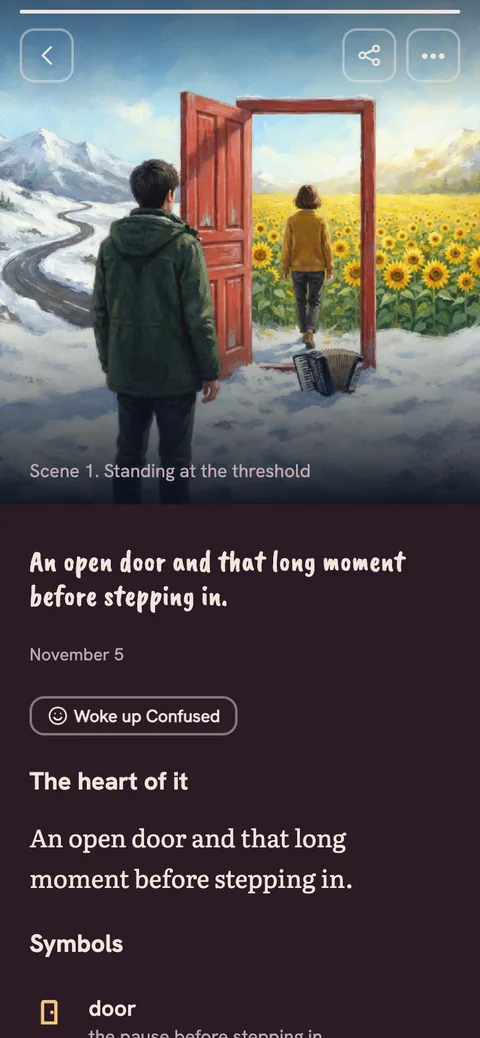
Scene sequence
The scene sequence is a three or four frame visual telling that follows how your dream unfolds. Figures have no faces and the style stays the same from frame to frame: chalk line, plum ground, one honey accent. The frames stay in your journal and you can share them.
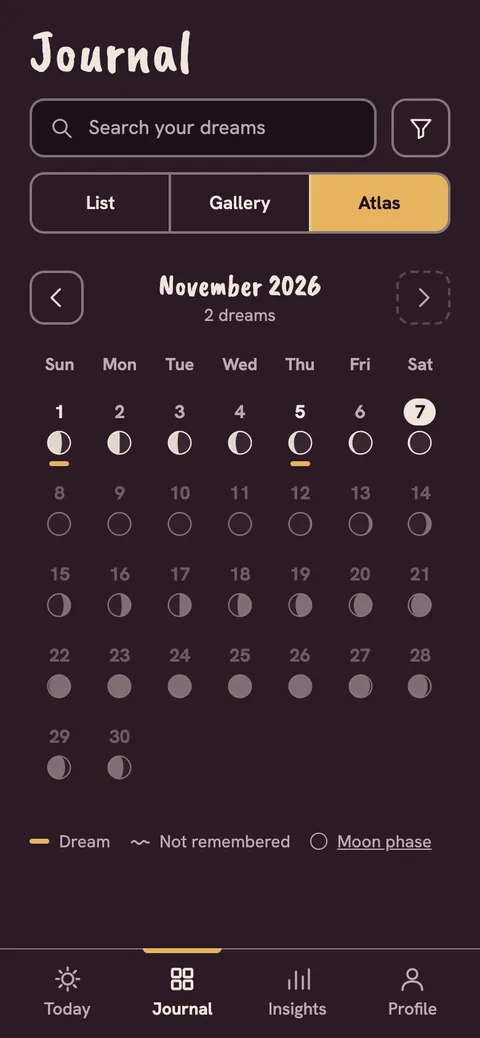
Journal
The journal is where all your dreams are kept in date order. See them as a list or a gallery and return to any dream to reread its reflection and scenes.
Insights and symbols
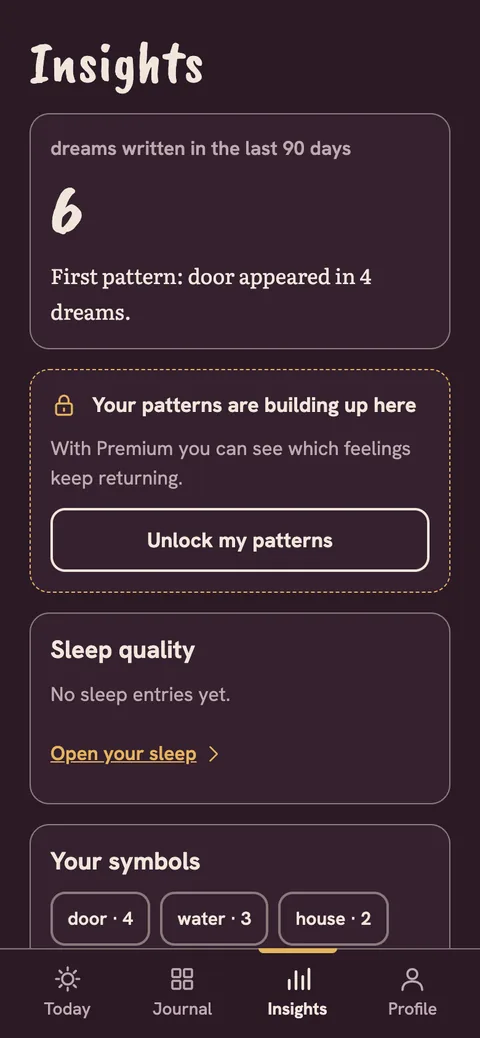
Insights gathers the symbols and feelings that recur in your dreams. Your symbols archive shows which image appears in which dreams, and it is free. Over time, how you wake up and which feelings return turn into a line you can read. You can also read symbol meanings in the dream symbols guide.
Sleep note
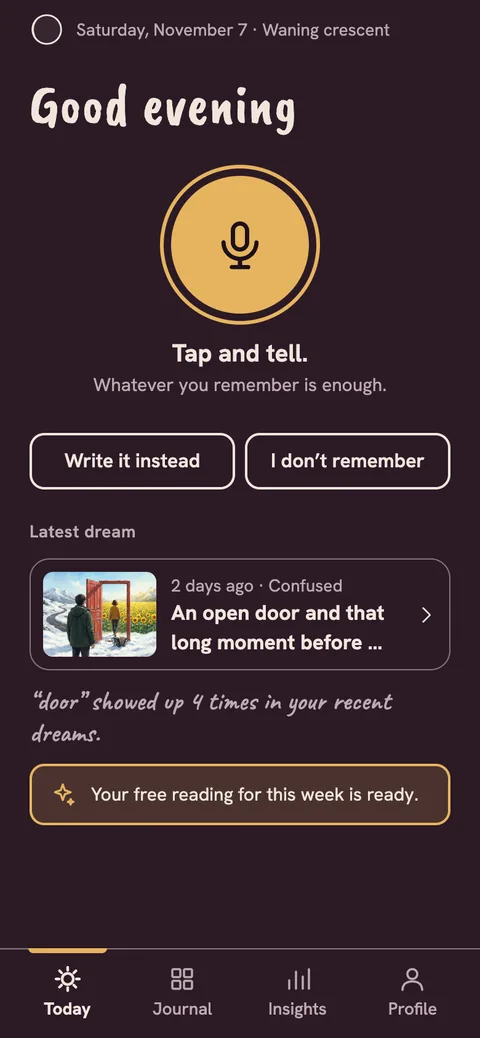
The sleep note is where, on the Today screen, you record last night's sleep quality and the feeling you woke with in a few taps. The notes appear next to your dream record. It is not a measurement or an assessment; it is only your own log.
App lock
Lock your journal with Face ID, your fingerprint or your phone passcode. When you leave the app, the dream on screen is hidden.
Export
Take your dreams as PDF or TXT. Your data is yours; if you want, you delete it completely together with your account.
Crisis support
If what you write describes a hard moment, Onira does not prepare a reflection or images; it shows support information and your local emergency number instead. In an emergency, call your local emergency number.
Get started
Tell your own dream in Onira.
Get your reflection and your scene sequence.